

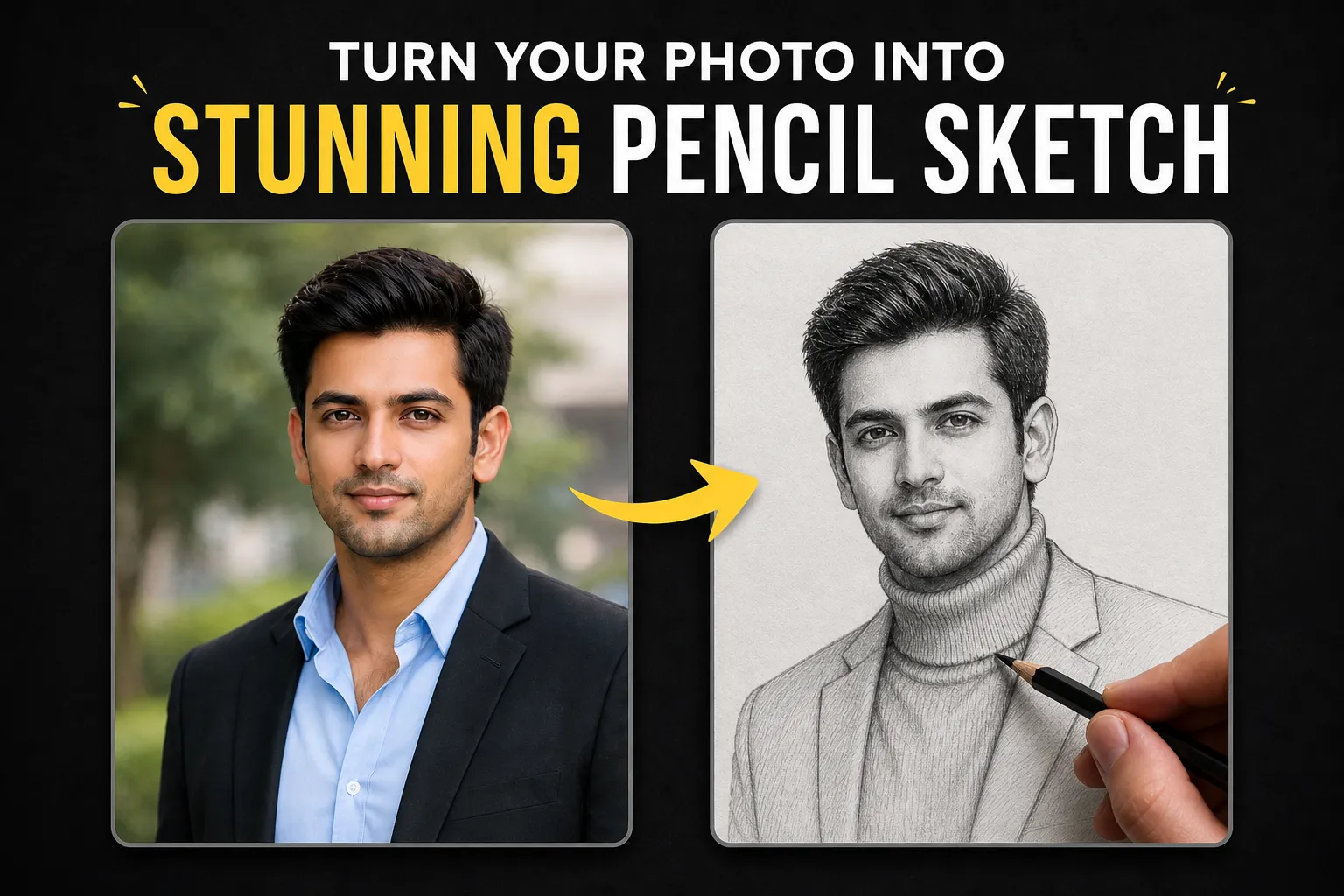
🎨 Turn Your Photo into a Stunning Pencil Sketch with AI (Step-by-Step Guide)
Artificial Intelligence is changing the way we create art. What once required years of artistic practice can now be achieved in seconds using powerful AI tools like ChatGPT, MidJourney, and Gemini. One of the most popular trends right now is transforming real photos into ultra-realistic pencil sketches.
If you’ve ever wanted to turn your portrait into a hand-drawn masterpiece, this guide is exactly what you need.
In this post, you’ll learn:
- How AI converts photos into sketches
- The exact AI pencil sketch prompt you can copy and paste
- Tips to get ultra-realistic results
- Best AI tools to use
Let’s dive in.
🧠 What is an AI Pencil Sketch Generator?
An AI pencil sketch generator uses advanced machine learning models to convert your uploaded image into a realistic drawing. These tools analyze facial features, lighting, and textures to recreate them using digital pencil strokes.
The result? A highly detailed, hand-drawn style portrait — without needing any drawing skills.
🚀 Why Use AI for Pencil Sketch Portraits?
Here are some reasons why AI-generated sketches are becoming extremely popular:
✅ 1. Saves Time
Creating a realistic sketch manually can take hours or even days. AI does it in seconds.
✅ 2. Professional Quality
Modern AI tools can generate studio-quality artwork with fine details and realistic shading.
✅ 3. Easy to Use
No technical skills required. Just upload your image and paste a prompt.
✅ 4. Perfect for Any Use
You can use AI sketches for:
- Social media profiles
- Gifts
- Portfolio images
- Website visuals
- Personal branding
🖼️ Best AI Tools to Generate Pencil Sketches
To get the best results, you can use:
- ChatGPT (DALL·E) – Great for realistic outputs
- MidJourney – Best for artistic and stylized sketches
- Leonardo AI – Good for detailed control
- Gemini AI – Fast and improving rapidly
✨ Copy & Paste AI Pencil Sketch Prompt
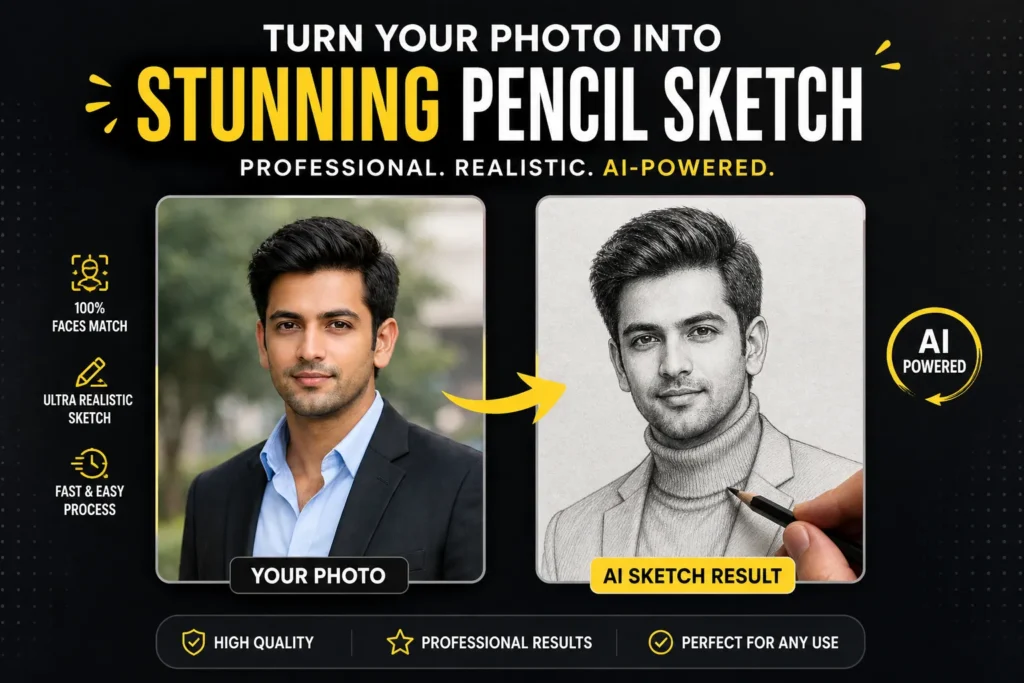
Here’s the exact prompt you can use 👇
Use the uploaded face image as the subject’s face, keeping facial features 100% accurate, realistic, and unchanged. Maintain exact bone structure, proportions, natural skin texture, and expression. Do not beautify, smooth, or stylize the face beyond realistic drawing interpretation.

Create a highly detailed pencil sketch portrait of a young man in a calm and confident pose, slightly tilting his head, looking directly forward. The subject is wearing a fitted turtleneck sweater and a minimal blazer.

The drawing style is ultra-realistic graphite pencil sketch, featuring fine linework, soft shading, and delicate cross-hatching techniques. Emphasize realistic facial anatomy, subtle skin texture, detailed hair strands, and natural shadows.

Include a hand holding a pencil in the foreground actively sketching the portrait on textured white paper, creating a “drawing-in-progress” effect. The pencil tip should be near the neckline area, adding realism and depth.

Lighting is soft and diffused, with gentle shadows enhancing depth and form. Background is clean white paper with slight grain texture.

Composition: close-up portrait, slightly angled perspective, with part of the hand and pencil visible in the frame.

Style: hyper-realistic hand-drawn illustration, professional artist sketch, 4K resolution, clean, minimal, no color, black and white only.

No text, no watermark.

Generate Image
📸 How to Use This Prompt (Step-by-Step)
Step 1: Upload Your Photo
Choose a high-quality portrait image. Make sure:
- Face is clearly visible
- Good lighting
- Minimal blur
Step 2: Open an AI Tool
Use ChatGPT, MidJourney, or any image AI platform.
Step 3: Paste the Prompt
Copy the prompt above and paste it into the tool.
Step 4: Generate Image
Click generate and wait a few seconds.
Step 5: Download Your Sketch
Save your ultra-realistic pencil sketch.
🔥 Pro Tips for Best Results
Want even better output? Follow these tips:
💡 Use High-Resolution Images
The clearer your input, the better the output.
💡 Neutral Background Works Best
Avoid cluttered backgrounds.
💡 Good Lighting is Key
Natural light gives the best results.
💡 Front-Facing Angle
AI performs best when the face is clearly visible.
🎯 SEO Benefits of AI Image Content
If you’re a website owner (like using WordPress with Rank Math), AI-generated images can boost your SEO.
📈 Benefits:
- Increase engagement
- Improve time on page
- Reduce bounce rate
- Add unique content
Google loves visual-rich pages, especially when combined with optimized text.
🧩 Rank Math SEO Optimization Tips
Since you’re using Rank Math, follow these:
✅ Focus Keyword Placement
Use AI Pencil Sketch Prompt in:
- Title
- URL
- First paragraph
- Subheadings
- Image ALT text
✅ Add Image ALT Text
Example:
“AI pencil sketch portrait generated from photo”
✅ Internal Linking
Link to other AI-related posts on your site.
✅ External Links
Link to tools like ChatGPT or MidJourney.
💼 Use Cases for AI Pencil Sketches
You can use these sketches for:
- 🎁 Personalized gifts
- 🖼️ Wall art prints
- 📱 Social media content
- 👔 Professional branding
- 🌐 Website featured images
🧠 Future of AI Art
AI-generated art is only getting better. In the future, we’ll see:
- Even more realistic textures
- Real-time sketch generation
- Full animation from drawings
- Personalized AI artists
This is just the beginning.
🎉 Final Thoughts
Creating a pencil sketch from your photo no longer requires artistic skills. With the right prompt and AI tool, you can generate stunning, ultra-realistic sketches in seconds.
Whether you’re a content creator, freelancer, or just someone who loves art, this AI prompt will help you create professional-quality results effortlessly.
🚀 Try It Now
Copy the prompt, upload your photo, and create your own AI pencil sketch today!

