

AI Fashion Portrait Prompt (Copy & Paste) – Create Stunning Street Style Images
Artificial Intelligence has completely transformed the way we create images. Today, you don’t need expensive cameras, professional lighting, or even a photoshoot location to create high-end fashion photography. With the right AI fashion portrait prompt, you can generate stunning, realistic, editorial-quality images in seconds.
In this guide, you’ll get a powerful, copy-and-paste AI prompt that works perfectly with tools like ChatGPT, Midjourney, DALL·E, Leonardo AI, and Google Gemini. Whether you’re a content creator, freelancer, or just exploring AI creativity, this prompt will help you produce professional-grade results instantly.
🔥 Why AI Fashion Portrait Prompts Are Trending
AI-generated portraits are exploding in popularity—and for good reason.
Instead of hiring a photographer or renting a studio, you can now:
- Create studio-quality portraits from home
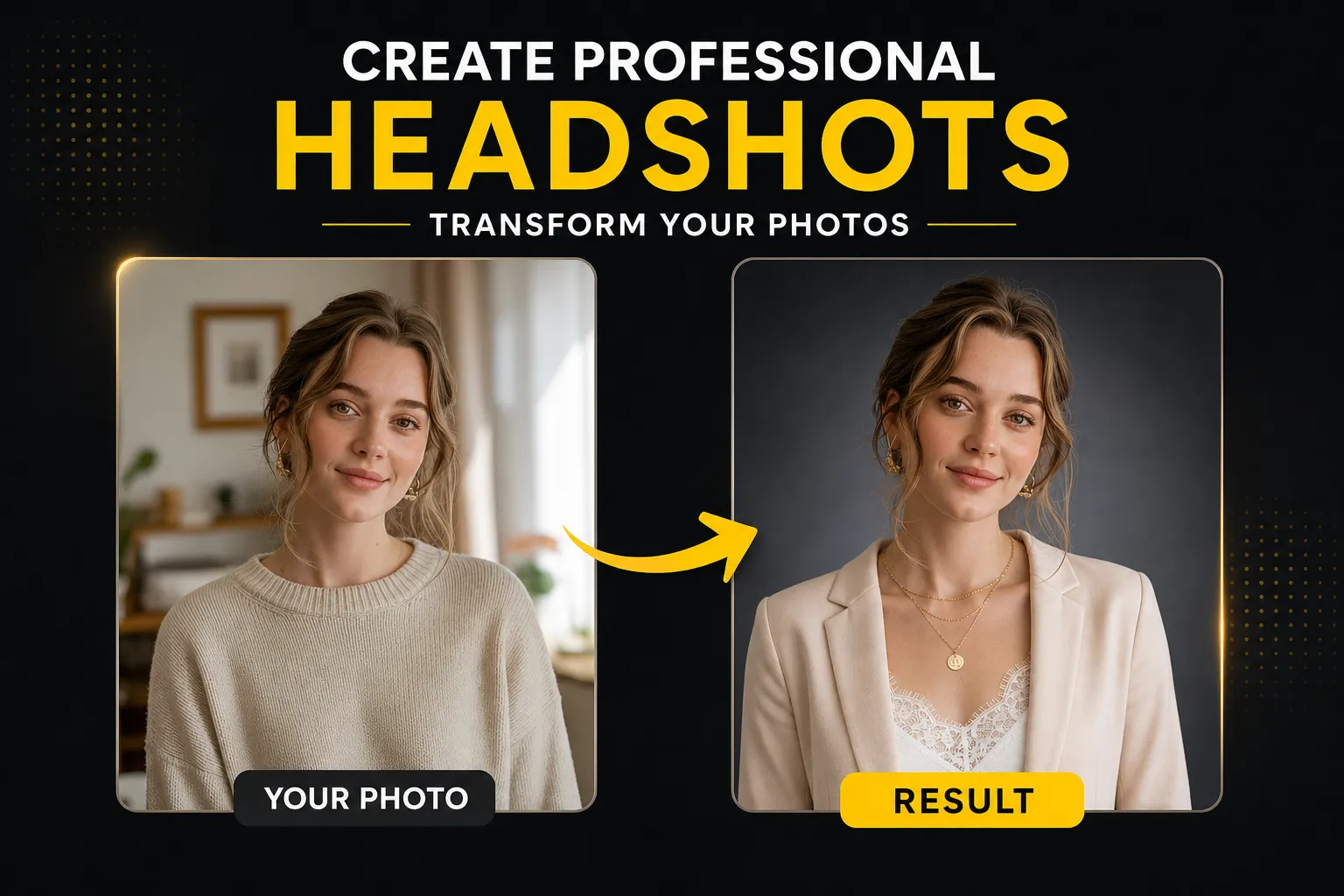
- Turn casual photos into professional fashion shots
- Build a strong personal brand or portfolio
- Generate content for social media, websites, or ads
The secret behind these results isn’t just AI—it’s the prompt you use.
A well-crafted prompt controls everything:
- Lighting
- Pose
- Outfit
- Mood
- Camera quality
- Realism
And today, you’re getting one of the best high-converting prompts available.
✨ Copy & Paste AI Fashion Portrait Prompt
Use the prompt below exactly as it is. Upload your face image into your AI tool before running it.
📌 PROMPT:
Use the uploaded face image as the subject’s face, keeping facial features 100% accurate, realistic, and naturally integrated with the body. Maintain exact proportions, skin texture, and identity — do not beautify or alter facial structure.

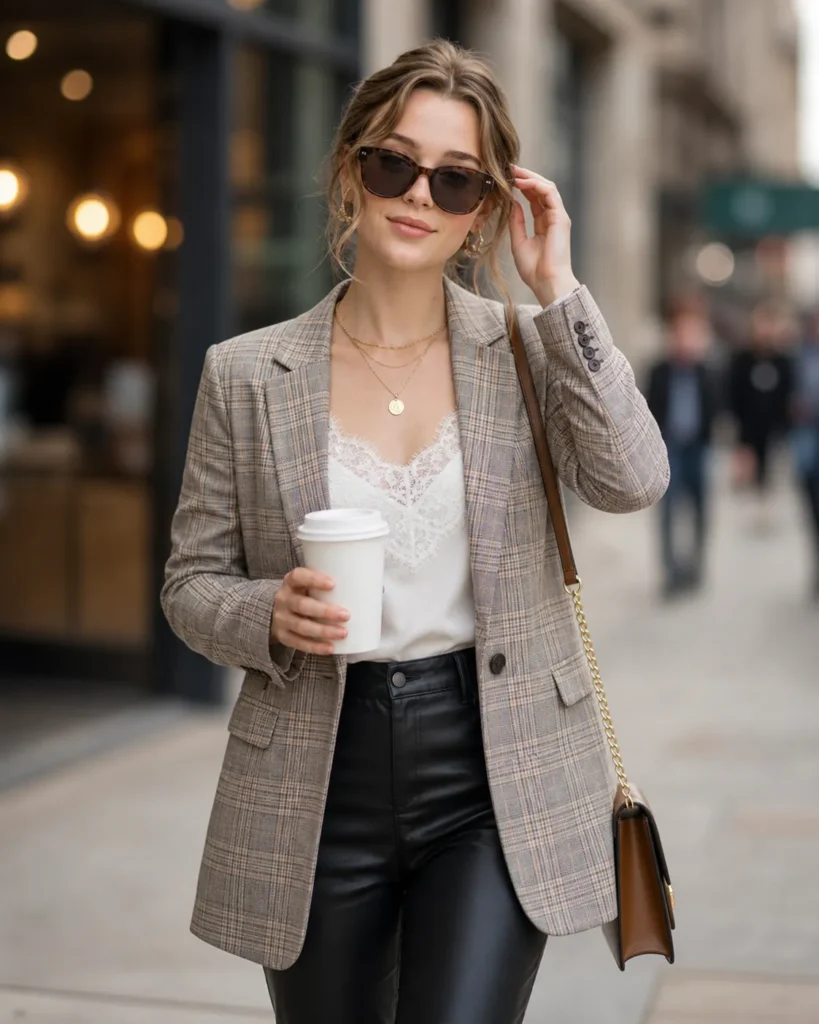
Create a stylish urban street fashion portrait of a confident woman walking outdoors in a modern city environment. She is holding a takeaway coffee cup in one hand and adjusting her sunglasses with the other.

Outfit: a tailored beige plaid blazer layered over a soft white lace camisole, paired with high-waisted black leather pants. Add subtle accessories like layered gold necklaces, small hoop earrings, and a brown leather shoulder bag with a gold chain strap.

Hair: shoulder-length, softly wavy, natural movement.

Pose: relaxed yet confident, mid-walk stance, slightly turned body, looking off to the side.

Lighting: soft natural daylight with cinematic depth, gentle highlights on hair and face, shallow depth of field.

Background: blurred city street with warm tones, storefronts, and soft bokeh lights to create a lifestyle aesthetic.

Style: ultra-realistic, high-end fashion photography, editorial magazine look, sharp focus, 4K resolution.

Camera: 85mm lens, f/1.8, DSLR quality, shallow depth of field.

Color grading: warm neutral tones with soft contrast, modern Instagram fashion aesthetic.
🎯 What Makes This Prompt So Powerful?
This isn’t just a random prompt—it’s carefully structured to mimic real-world fashion photography.
1. Face Accuracy Control
The first instruction ensures:
- Your identity remains intact
- No unrealistic AI “beautification”
- Natural skin texture and proportions
2. Professional Styling
The outfit combination (blazer + leather pants + accessories) creates:
- A modern luxury look
- A street fashion vibe
- Strong visual appeal for social media
3. Cinematic Lighting
Lighting is everything in photography. This prompt uses:
- Soft daylight
- Depth and shadows
- Highlight control
Result: Realistic, high-end visuals
4. Camera Simulation
The prompt simulates a real camera:
- 85mm lens (portrait standard)
- f/1.8 aperture (background blur)
- DSLR quality
This makes the image feel like a professional photoshoot, not AI-generated.
📸 Best AI Tools to Use This Prompt
You can use this prompt with multiple platforms:
🔹 ChatGPT (DALL·E)
- Easy to use
- Good for beginners
- Solid realism
🔹 Midjourney
- Best for artistic + fashion visuals
- Highly detailed outputs
🔹 Leonardo AI
- Great control over realism
- Free + paid options
🔹 Google Gemini
- Fast and improving quality
- Good for quick results
🚀 How to Get the Best Results
Even with a perfect prompt, results depend on how you use it.
✅ Use a High-Quality Face Image
- Clear lighting
- Front-facing angle
- No heavy filters
✅ Avoid Over-Editing
Let the AI do the work. Don’t add too many extra instructions.
✅ Try Multiple Variations
Run the same prompt 3–5 times for better outputs.
✅ Use Upscaling
Always upscale your final image for:
- Website banners
- Social media posts
- Portfolio use
💡 Who Should Use This Prompt?
This prompt is perfect for:
👩💻 Freelancers
Create portfolio images without hiring models.
📱 Influencers
Generate stylish content for Instagram or TikTok.
💼 Job Seekers
Upgrade your profile photos professionally.
🧑🎨 Designers
Use it for client work or creative projects.
🌐 Website Owners
Create eye-catching visuals for landing pages.
📊 SEO Benefits of AI Images
If you run a website like ausjobnews.com, AI-generated images can help with:
- Increasing user engagement
- Improving time on page
- Boosting visual appeal
- Supporting content marketing
Just make sure to:
- Add ALT text
- Compress images
- Use descriptive file names
🧠 Pro Tips to Level Up Your AI Prompt
Want even better results?
🔥 Add Emotion
Example:
“confident and slightly smiling expression”
🔥 Change Location
Example:
“luxury shopping street in Paris”
🔥 Modify Outfit
Example:
“black blazer and heels, corporate style”
🔥 Adjust Mood
Example:
“golden hour lighting, sunset tones”
🛠️ Bonus: Alternate Prompt Ideas
You can tweak the main prompt into:
- Corporate headshots
- Dating profile photos
- LinkedIn portraits
- Fashion magazine covers
- Travel influencer shots
📌 Final Thoughts
AI image generation is no longer the future—it’s happening right now.
With the right prompt, you can:
- Replace expensive photoshoots
- Create high-end visuals instantly
- Build a powerful personal or business brand
The prompt you’ve just received is designed to deliver premium, realistic, and professional results every time.
✅ Call to Action
Try this prompt today and transform your photo into a stunning fashion portrait.
If you found this helpful, explore more AI tools and prompts on
👉 https://ausjobnews.com/

