

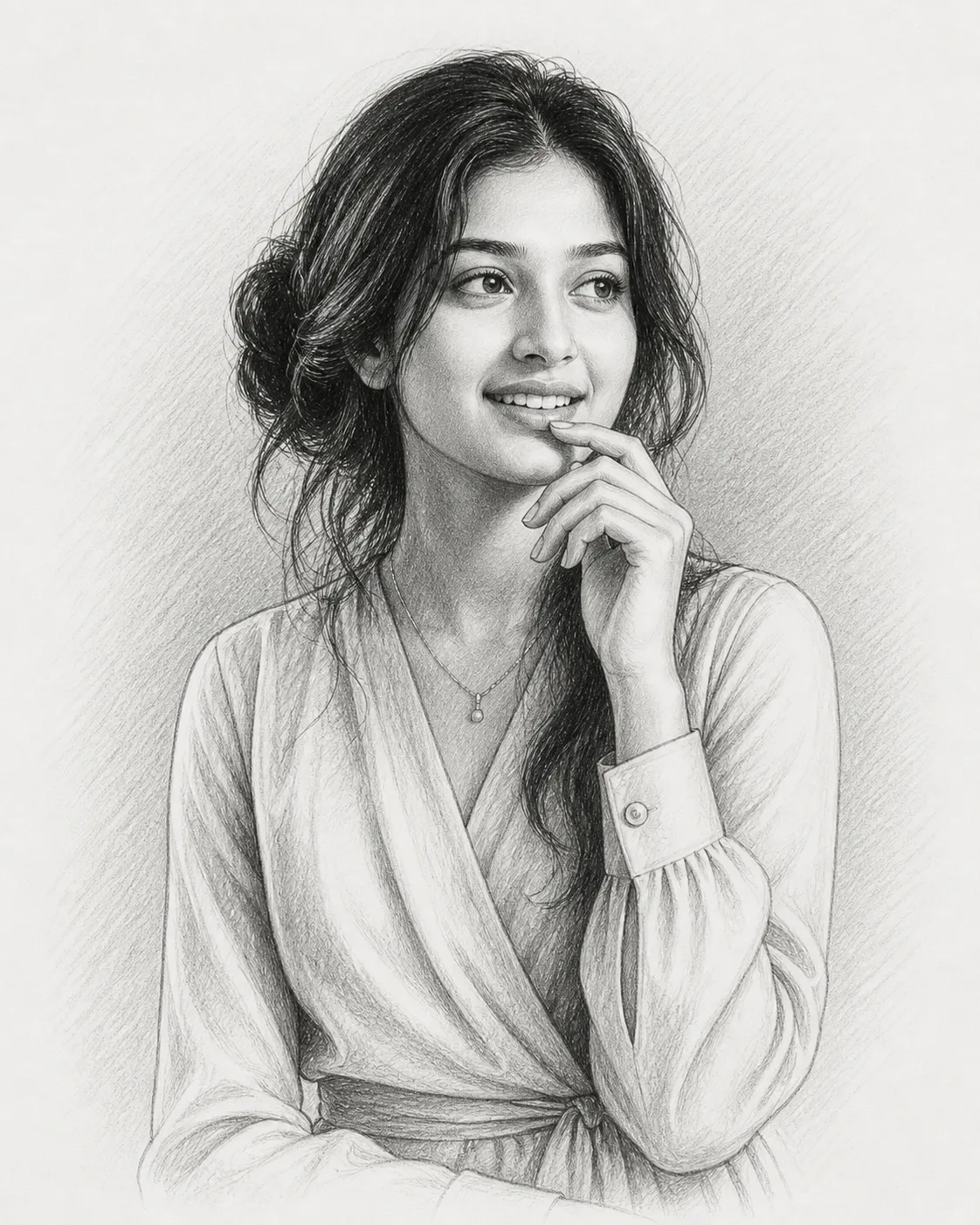
🎨 How to Turn Your Photo into a Realistic Pencil Sketch Using AI (Best Prompt Guide)
Artificial Intelligence has completely changed the way we create art. Today, you don’t need to be a professional artist to generate stunning, hyper-realistic drawings. With the right AI tools and a powerful prompt, you can easily turn any photo into a beautiful pencil sketch portrait in seconds.
If you’re looking for the best AI pencil sketch prompt, you’re in the right place. In this guide, I’ll show you exactly how to create ultra-realistic portrait drawings using tools like ChatGPT, Midjourney, DALL·E, and Gemini.
🧠 Why Use AI for Pencil Sketch Portraits?
Creating a hand-drawn sketch traditionally takes hours of practice and skill. But AI simplifies the entire process.
Here’s why people love using AI for sketch portraits:
- ⚡ Instant results in seconds
- 🎯 High accuracy with facial features
- 🎨 Professional-quality artistic output
- 🧑💻 No drawing skills required
- 📱 Works on mobile and desktop
Whether you’re a designer, content creator, or just someone who loves art, AI tools make it incredibly easy.
🖼️ What You Need Before You Start
To get the best results, make sure you have:
- A clear photo (preferably front-facing)
- Good lighting (natural light works best)
- Neutral background (optional but helpful)
- High-resolution image
The better your input image, the better your final sketch will look.
✏️ Best AI Prompt for Pencil Sketch Portrait
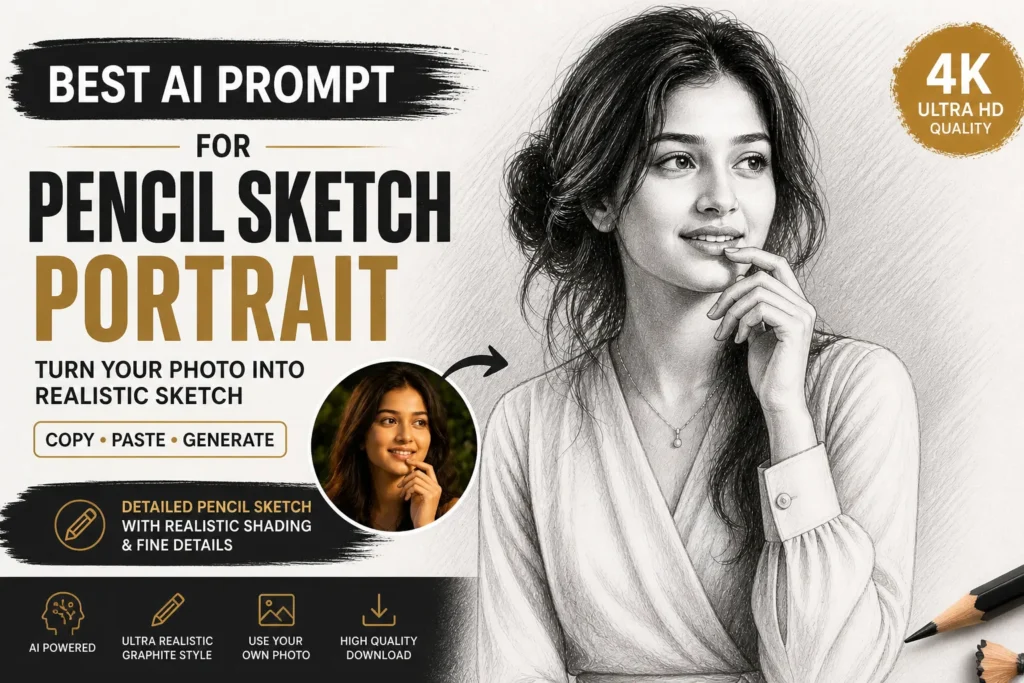
Here is a copy-and-paste ready prompt you can use in ChatGPT, Midjourney, or any AI image generator:
🔥 Ultimate Pencil Sketch Prompt
A highly detailed pencil sketch portrait of a woman in a thoughtful pose, with one hand gently touching her lips. The subject is looking slightly to the side with a calm and contemplative expression. Hair is loosely tied in a soft, natural bun with subtle strands falling around the face. She is wearing a soft, elegant wrap-style blouse with long sleeves.

The drawing style is ultra-realistic graphite pencil, with fine linework, smooth shading, and delicate cross-hatching techniques. Focus on realistic skin texture, natural facial proportions, and soft lighting with gentle shadows.

Background is minimal, clean white paper with light sketch texture. Artistic, hand-drawn illustration style, high detail, professional portrait sketch, 4K resolution.

Use the provided face image as the subject’s face, keeping facial features accurate, natural, and realistic. Do not distort identity.
⚙️ How to Use This Prompt (Step-by-Step)
1. Choose an AI Tool
You can use:
- ChatGPT (with image generation)
- Midjourney
- DALL·E
- Google Gemini
- Leonardo AI
2. Upload Your Photo
Most AI tools allow you to upload an image. This is important because:
👉 The AI will use your face as the base.
3. Paste the Prompt
Copy the prompt above and paste it into the tool.
4. Generate the Image
Click generate and wait a few seconds.
5. Download & Share
Once ready, download your sketch and use it for:
- Social media
- Profile pictures
- Branding
- Gifts
🎯 Pro Tips for Better Results
Want your sketch to look even more realistic? Follow these tips:
✅ Use High-Quality Photos
Blurry images = poor results
✅ Add Lighting Details
You can enhance your prompt by adding:
- “soft studio lighting”
- “dramatic shadows”
- “side lighting”
✅ Try Different Angles
Experiment with:
- front view
- side profile
- 3/4 angle
✅ Adjust Style
You can modify the prompt:
- “charcoal sketch”
- “ink drawing”
- “vintage sketch style”
🤖 Best AI Tools for Sketch Generation
Here are some of the best tools you can try:
🔹 Midjourney
- Best for artistic quality
- Works on Discord
- Highly customizable
🔹 DALL·E (ChatGPT)
- Easy to use
- Great for beginners
- High-quality output
🔹 Leonardo AI
- Perfect for detailed portraits
- Free credits available
🔹 Gemini AI
- Fast and simple
- Good for quick results
💡 Use Cases for AI Pencil Sketch Portraits
You can use these sketches for:
- 🧑🎨 Digital art projects
- 📸 Instagram profile pictures
- 🎁 Personalized gifts
- 🧾 Portfolio design
- 🧑💼 Professional branding
📈 Why This Prompt Works (SEO + AI Logic)
This prompt is powerful because it includes:
- Clear subject description
- Pose and emotion details
- Lighting instructions
- Style specification (graphite pencil)
- Texture and realism focus
AI models respond better when prompts are specific and descriptive, which is why this one delivers high-quality results.
❌ Common Mistakes to Avoid
Avoid these if you want the best output:
- ❌ Using low-quality images
- ❌ Writing vague prompts
- ❌ Skipping facial accuracy instructions
- ❌ Overloading with too many styles
🚀 Final Thoughts
AI is revolutionizing digital art, and creating pencil sketch portraits has never been easier. With the right prompt, you can transform any ordinary photo into a stunning, professional-quality drawing.
If you’re running a website like ausjobnews.com, this type of content is perfect for:
- Driving organic traffic
- Ranking for AI-related keywords
- Engaging your audience
Just copy the prompt, upload your image, and start creating amazing artwork instantly.
⭐ Bonus: Quick Copy Prompt
Ultra-realistic graphite pencil sketch portrait, detailed face, soft shading, cross-hatching, clean white background, professional drawing, 4K, use uploaded face image, maintain realistic identity
